
Roon Service - Gareth at Audio T Reading Gets Us ‘Roon Ready’…
/Back at the turn of the century music servers were beginning to make their mark on the musical landscape. Things really began with Napster, which enabled peer-to-peer music sharing, and started taking off when Apple introduced the iPod and iTunes store — no streaming as yet, but the seeds had been sown. At this time these services utilised MP3 files — a compressed format which played nicely with the low available bandwidths at the time — and pretty soon there were additional services such as Last.fm and Pandora that started collating information about listening preferences.
As the choice of software and facilities proliferated, the UK digital pioneers Meridian introduced a system called Sooloos around 2006. This was a ferociously expensive system comprising hardware and software which rather set the template for music server systems in the future.
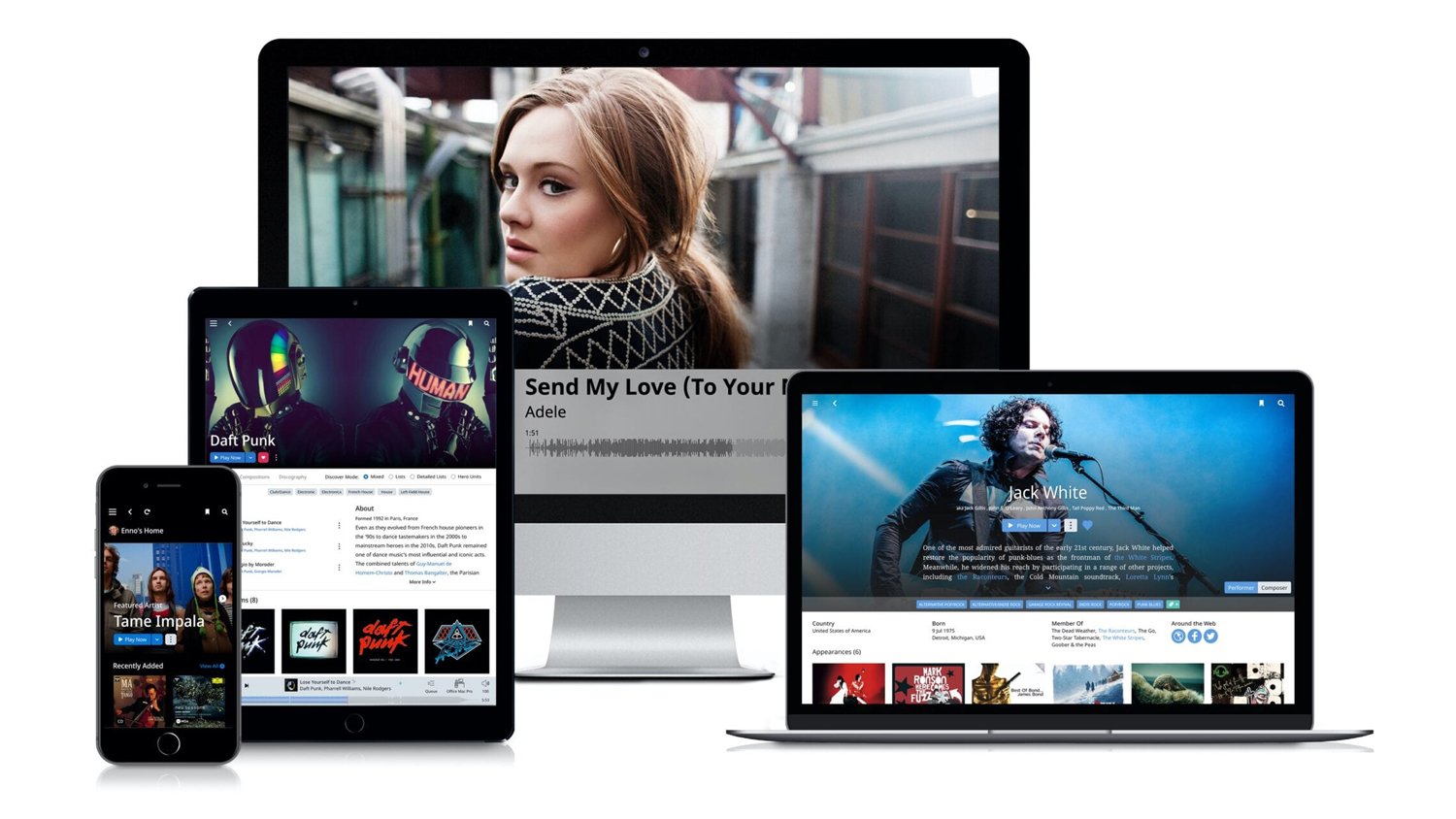
The talented team behind Sooloos moved on to establish Roon Labs in 2015, which took the concepts forward and streamlined them to create what we now know as Roon. These days we've moved way beyond the constraints of MP3 and Roon now deals with even the highest-resolution files available.
SO WHAT IS ROON?
Roon is a unified, interactive software system which allows a single interface to be used for all your streaming hardware and also integrates your own local music library with your external music streaming services. There are a number of components to Roon.
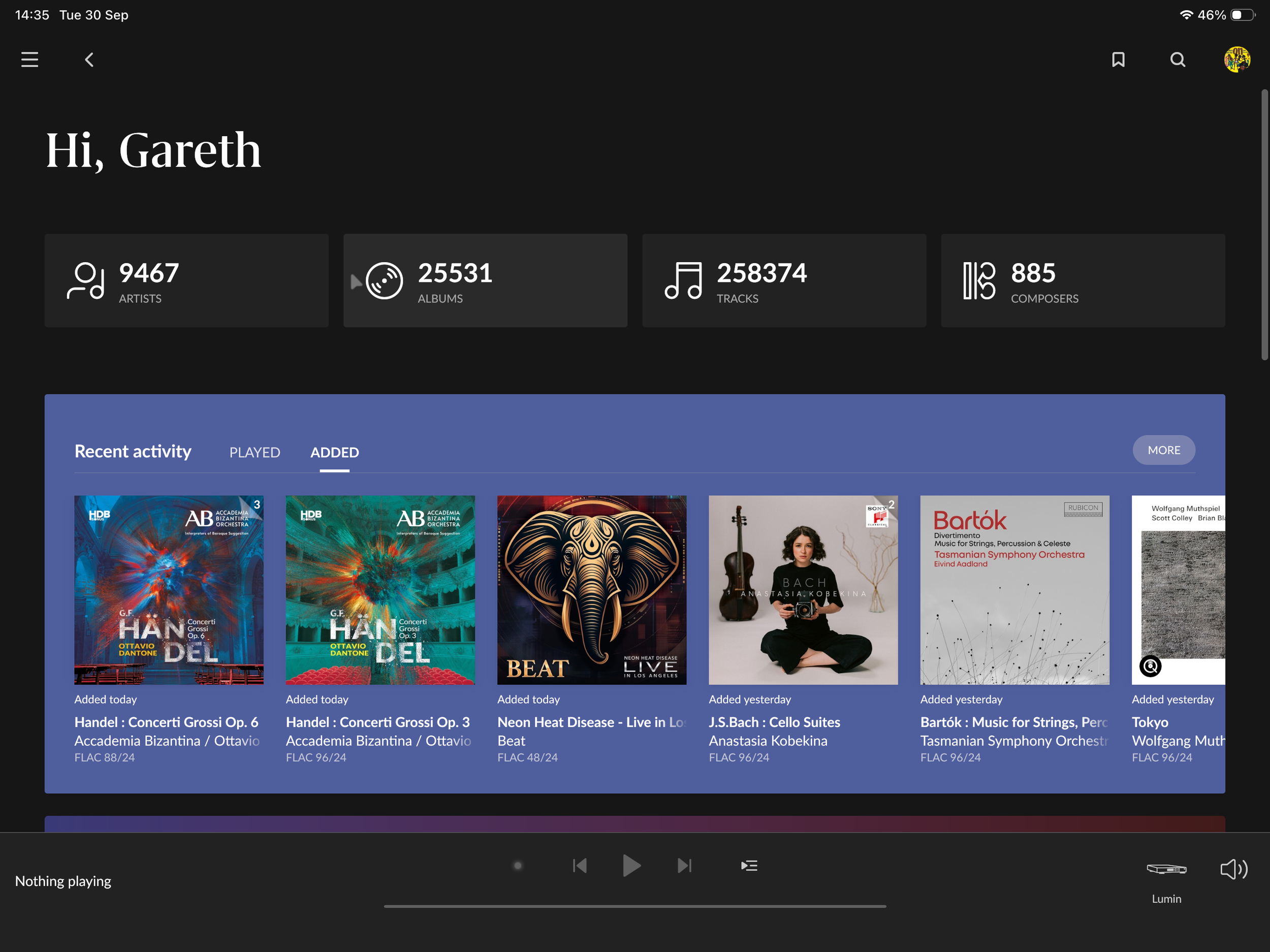
Roon Homescreen
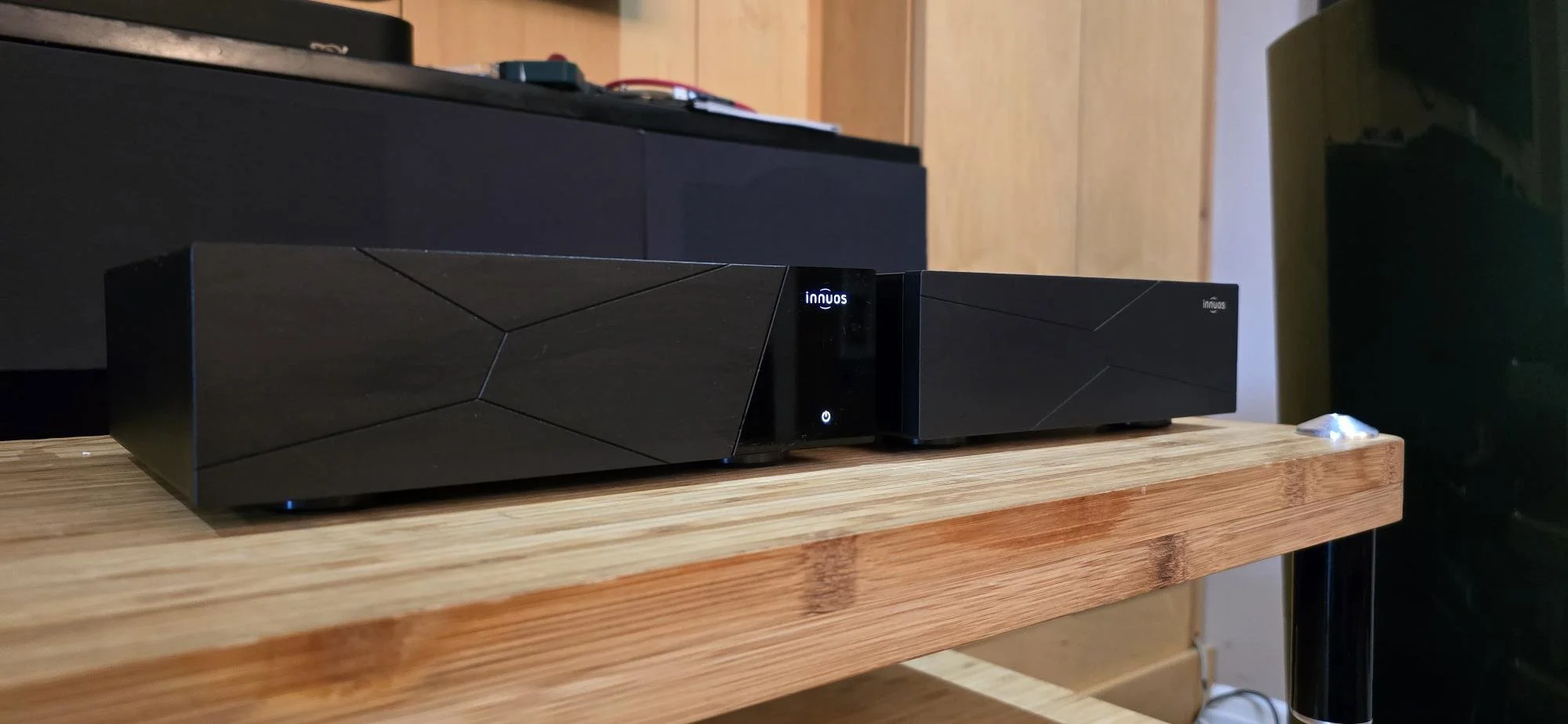
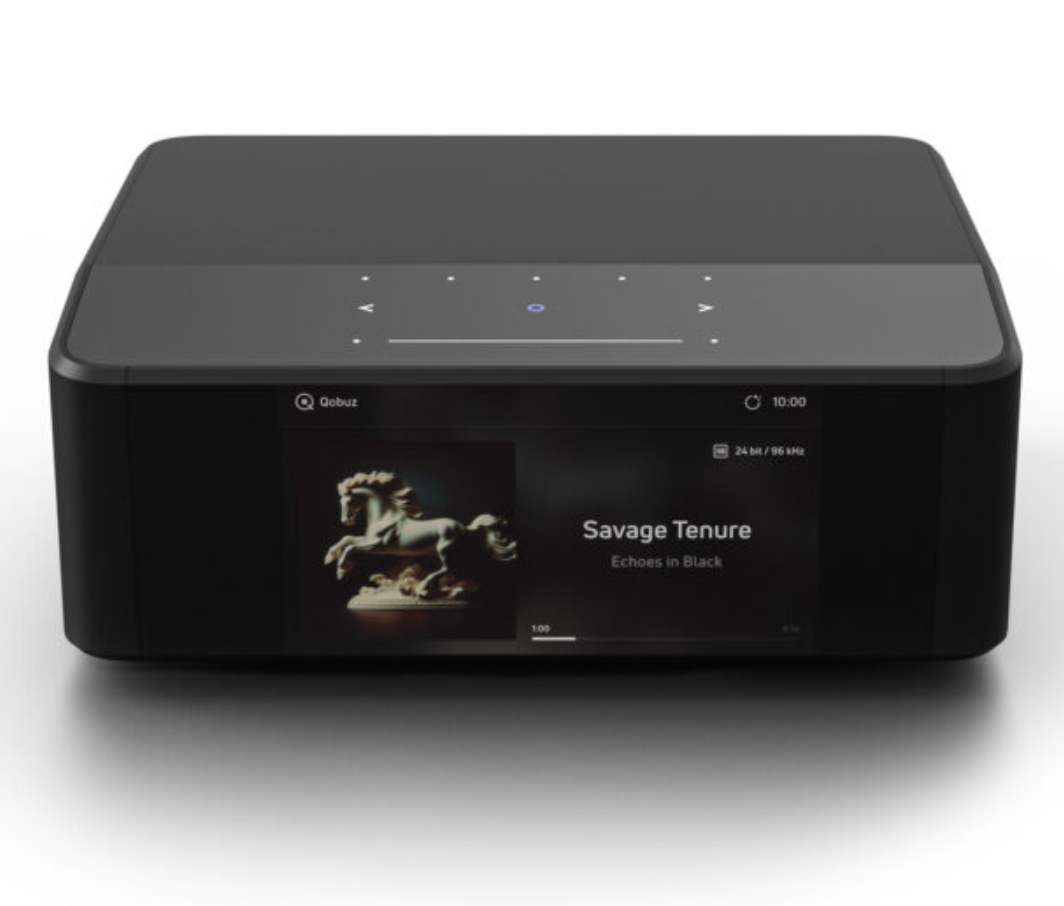
Firstly, you will need a hardware box on which to run the Roon ‘Core,’ which is the heart of the system and acts as your local Roon server. This can be anything from a Raspberry Pi up to a dedicated PC or Mac; there are some devices, such as from the Innuos family, which include a Roon Core as part of their OS (operating system), and Roon actually make a device called the Nucleus which is effectively a single-use NUC (a dedicated small form factor computer) that runs the Roon software.
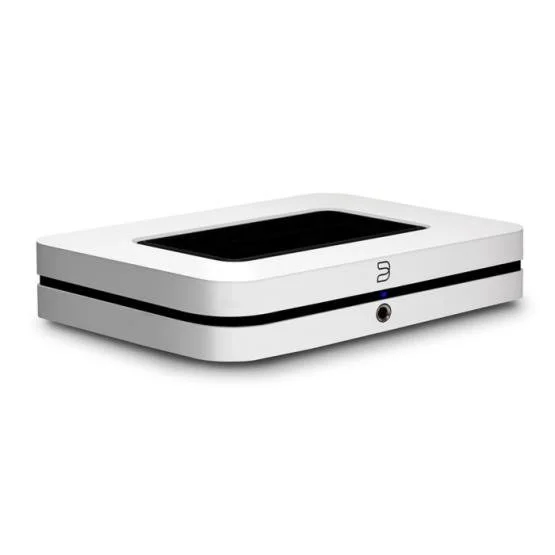
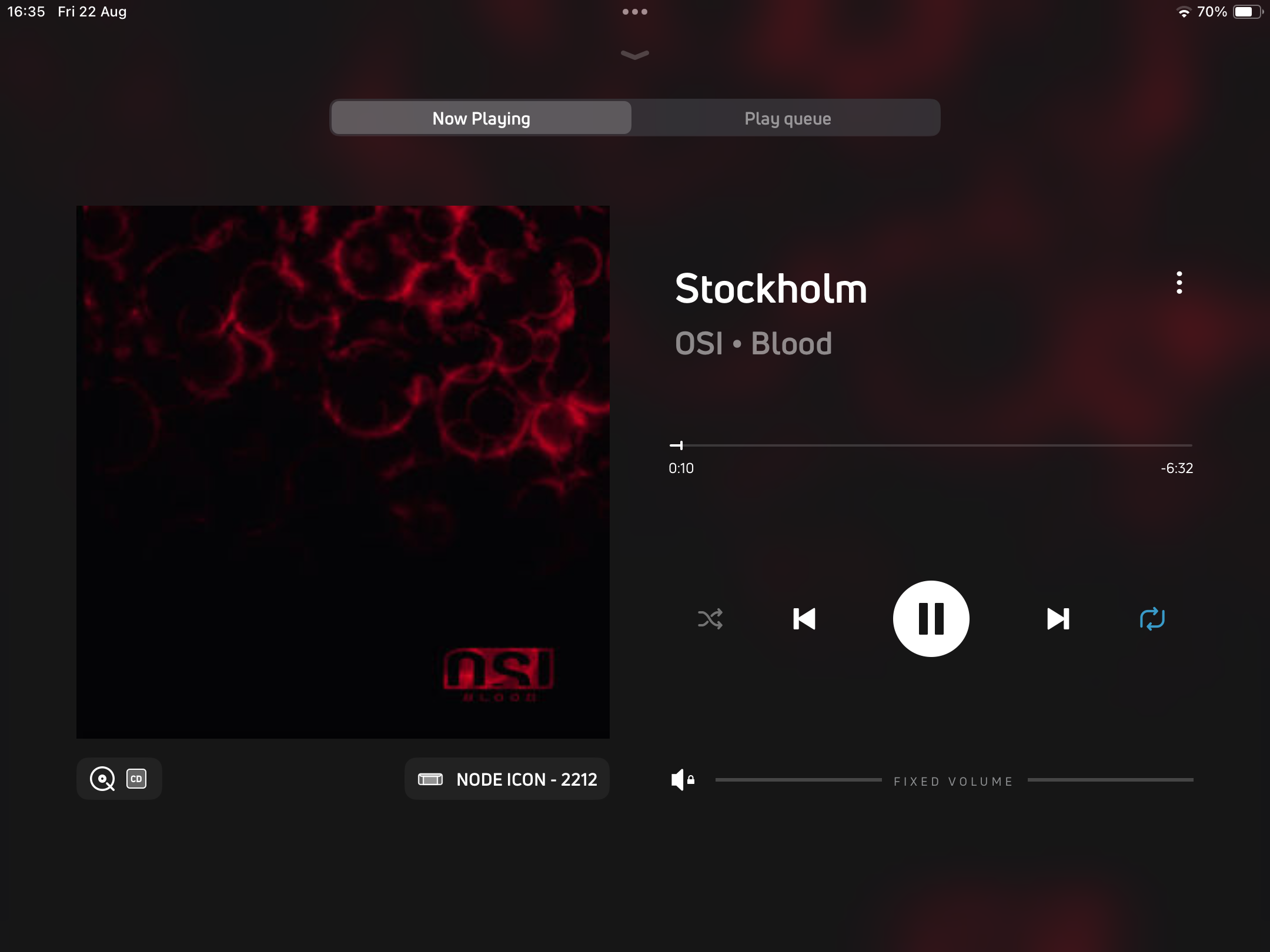
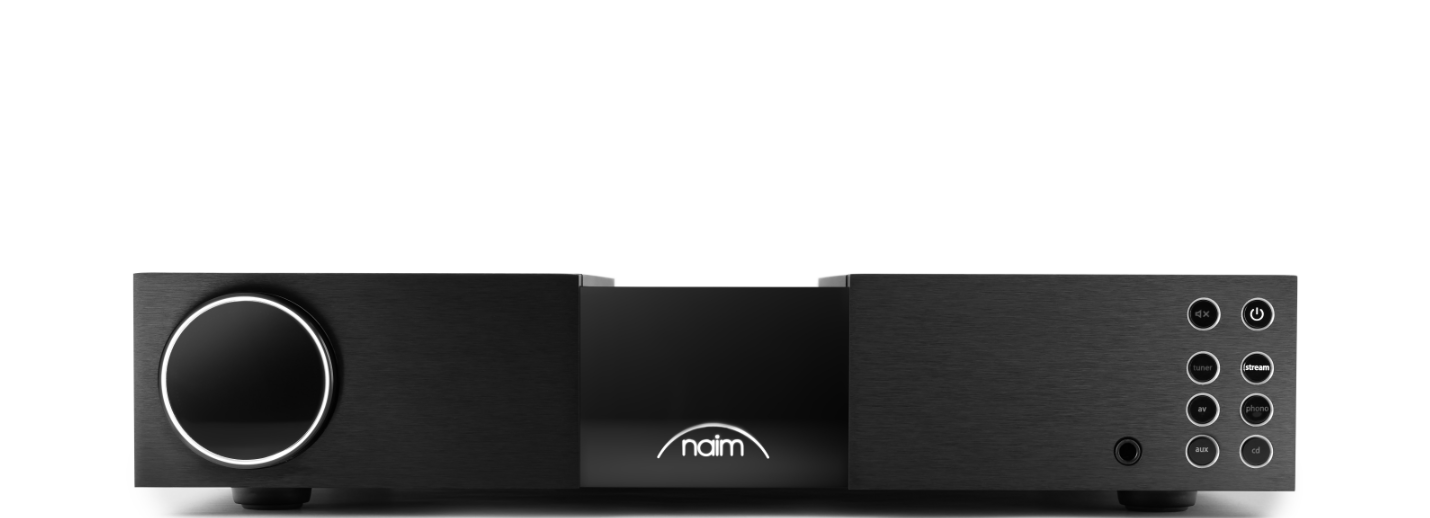
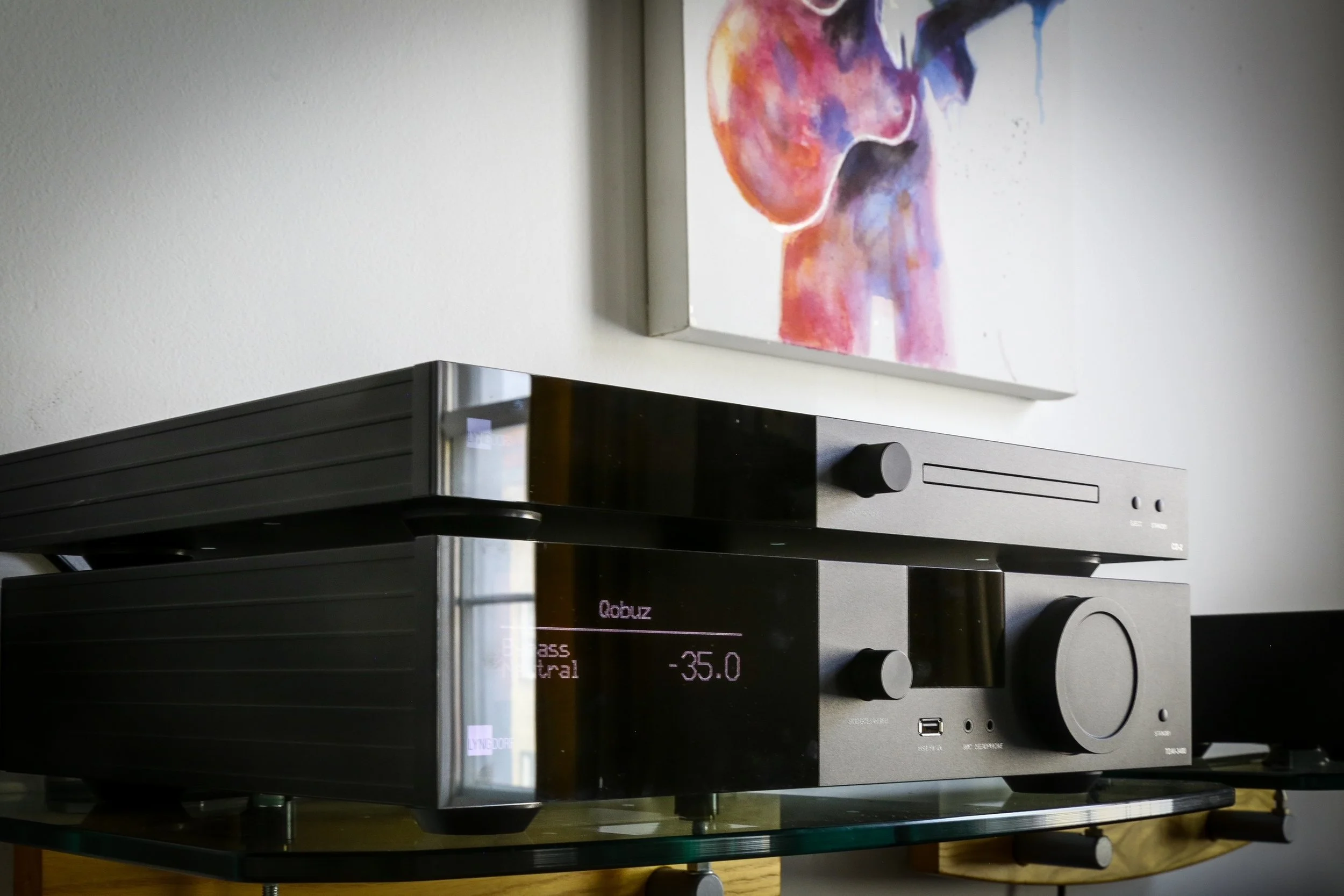
The other components required are endpoints to which Roon will serve the requested music files. This is where we start to see how advanced Roon is. You may have seen the phrase 'Roon Ready' or 'Roon Tested' attached to streaming equipment or DACs; this means that the item in question will be seen by the Roon Core, which will then adjust its output to ensure compatibility with the endpoint hardware (e.g. music player). This means that you could, for example, have a Naim streamer in your main rig with a Bluesound Node in the office and a Wiim speaker in the kitchen, and Roon would see them all and give you a simple switcher to move between the devices without needing to use any of the proprietary apps — all through the excellent unified Roon interface.
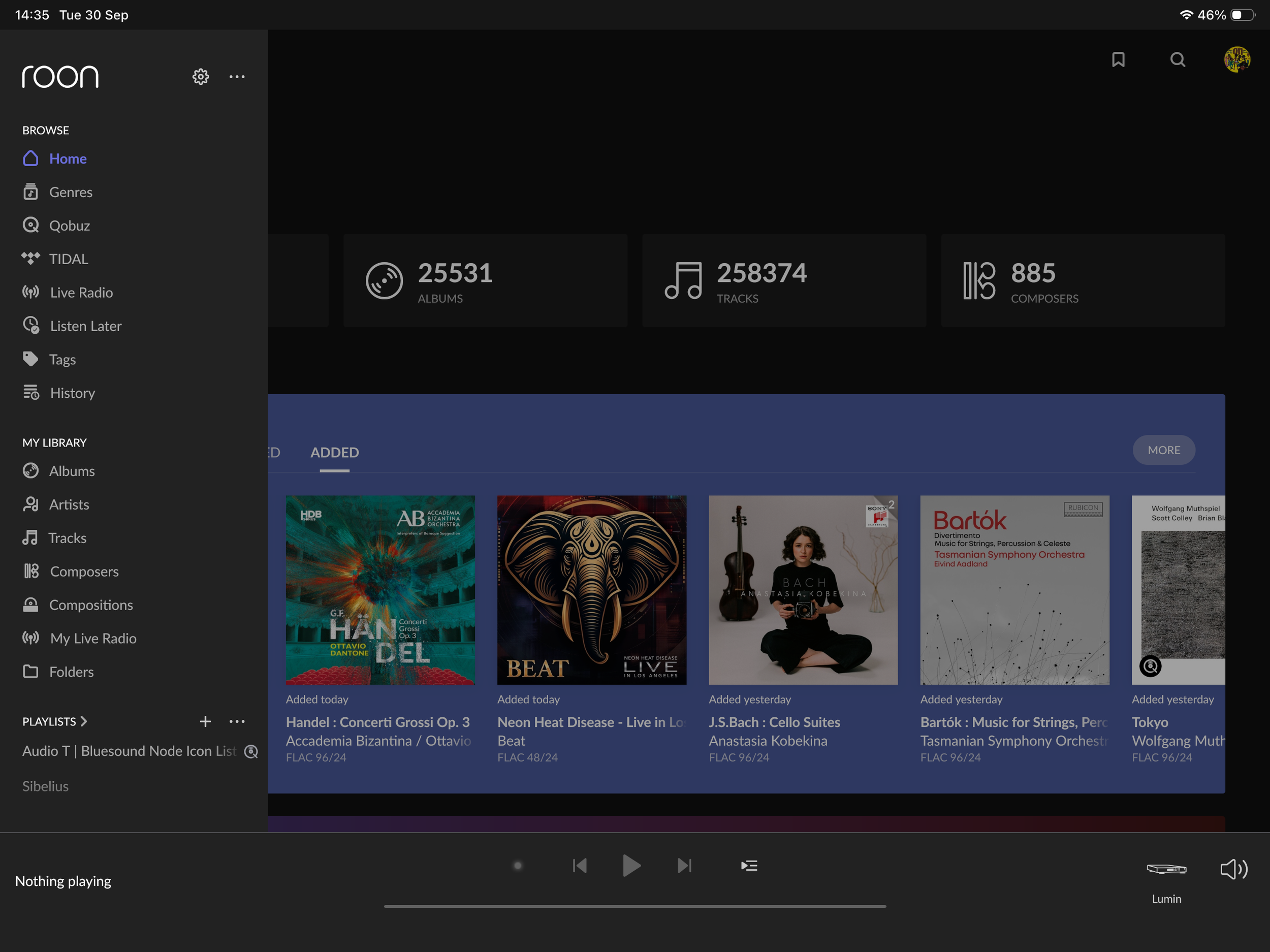
roon homescreen including the side menu, showing options to access
The software contains a powerful suite of DSP-related functions which can be applied to these endpoints — I'll touch on these later. You can also hand volume control over to Roon if you wish, along with the usual transport controls.
WHAT ABOUT THE TUNES?
So we now have our streaming devices connected up to our networked Core ready to receive some music, and this is where Roon really starts to pull ahead of the pack. In short, the rich interface gives you unprecedented access to details about the album or track you are playing and allows you to deep dive into the details of a particular artist. Here are some screenshots to illustrate the wealth of info available:

standard artist screen - what you see when you select an artist

standard album screen - front page for a specific album
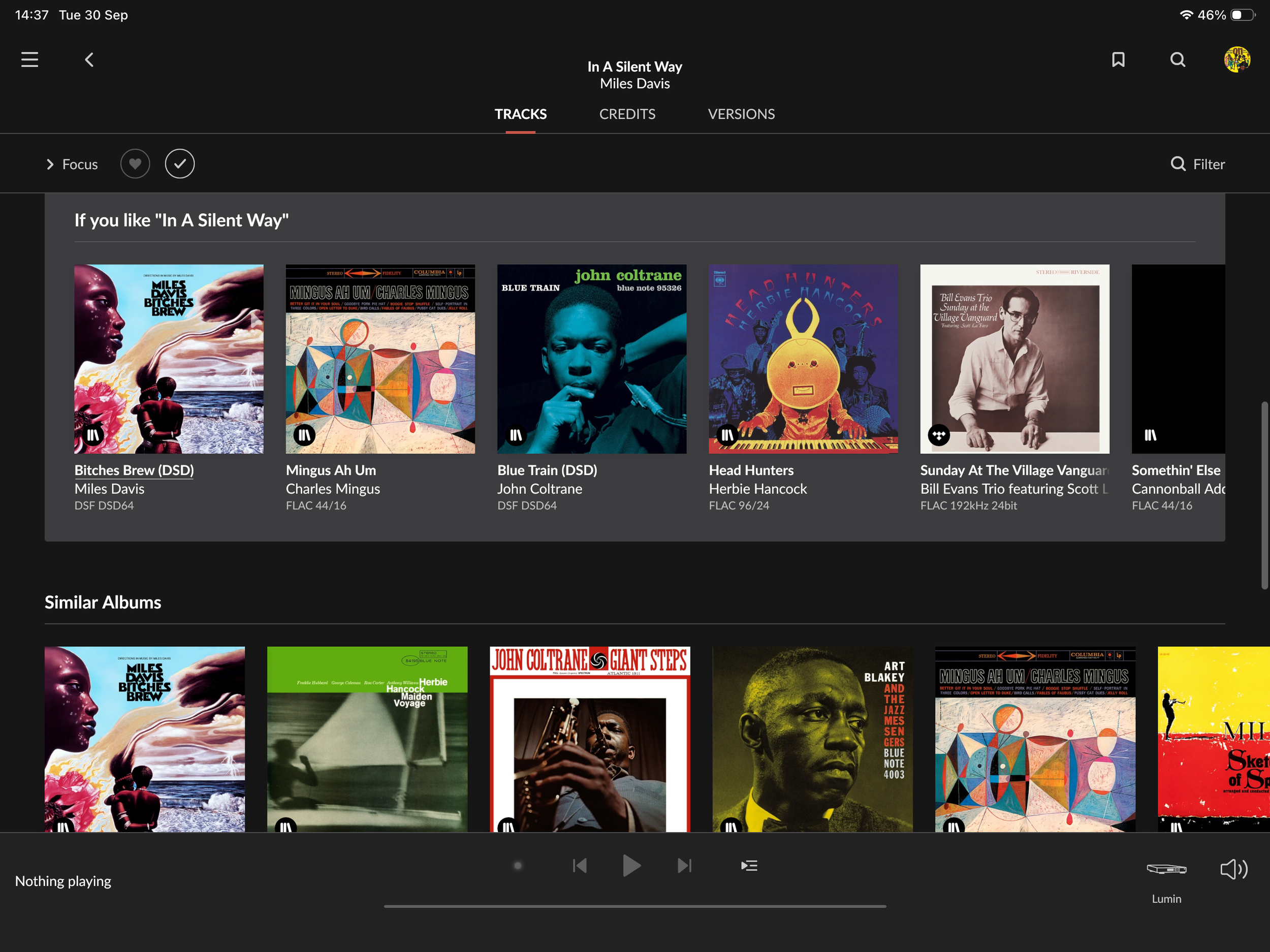
further down the album page - shows list of roon recommendations based on specified album
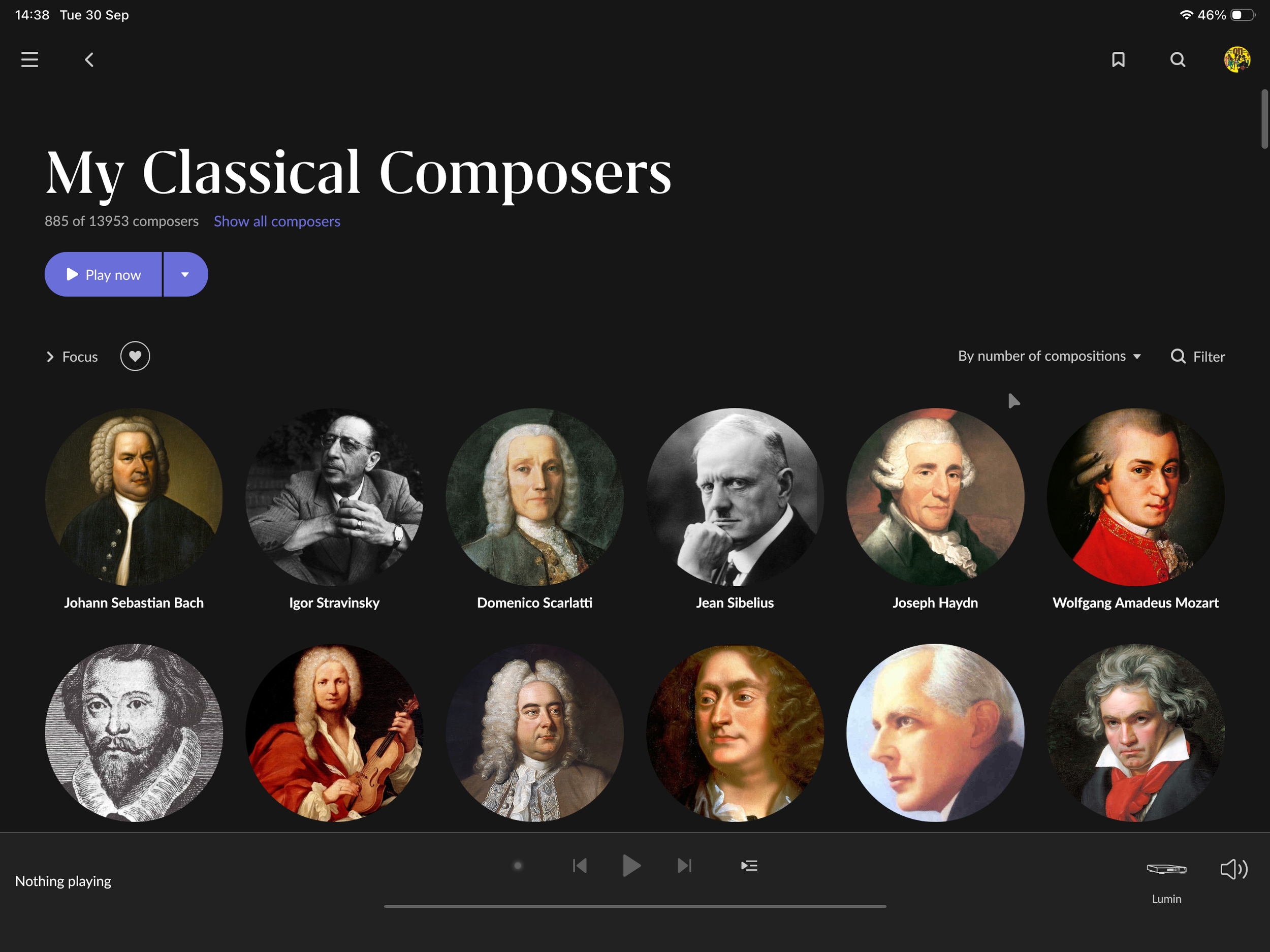
front screen for composer page
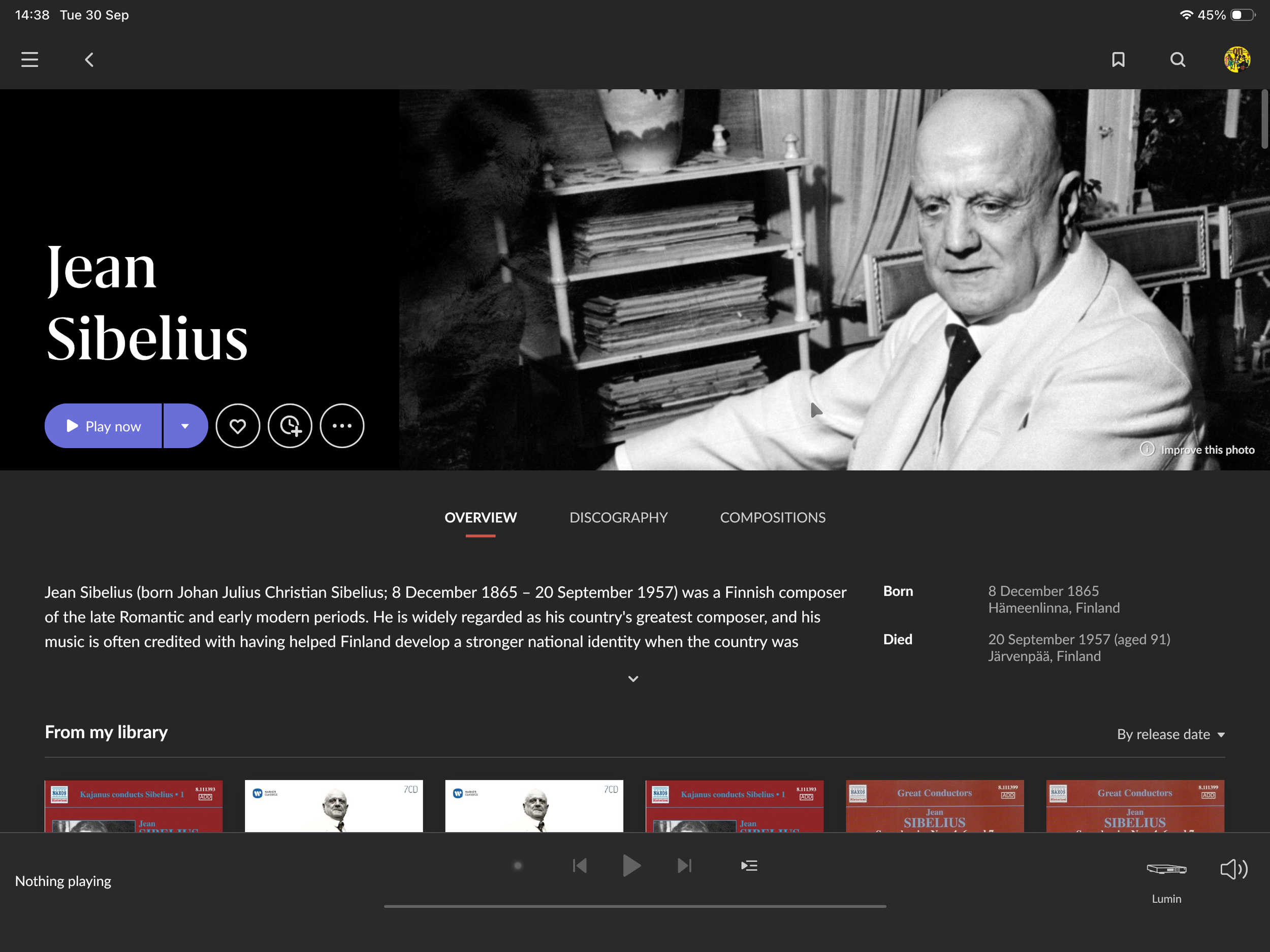
front page for a specific composer - selected from previous composer screen
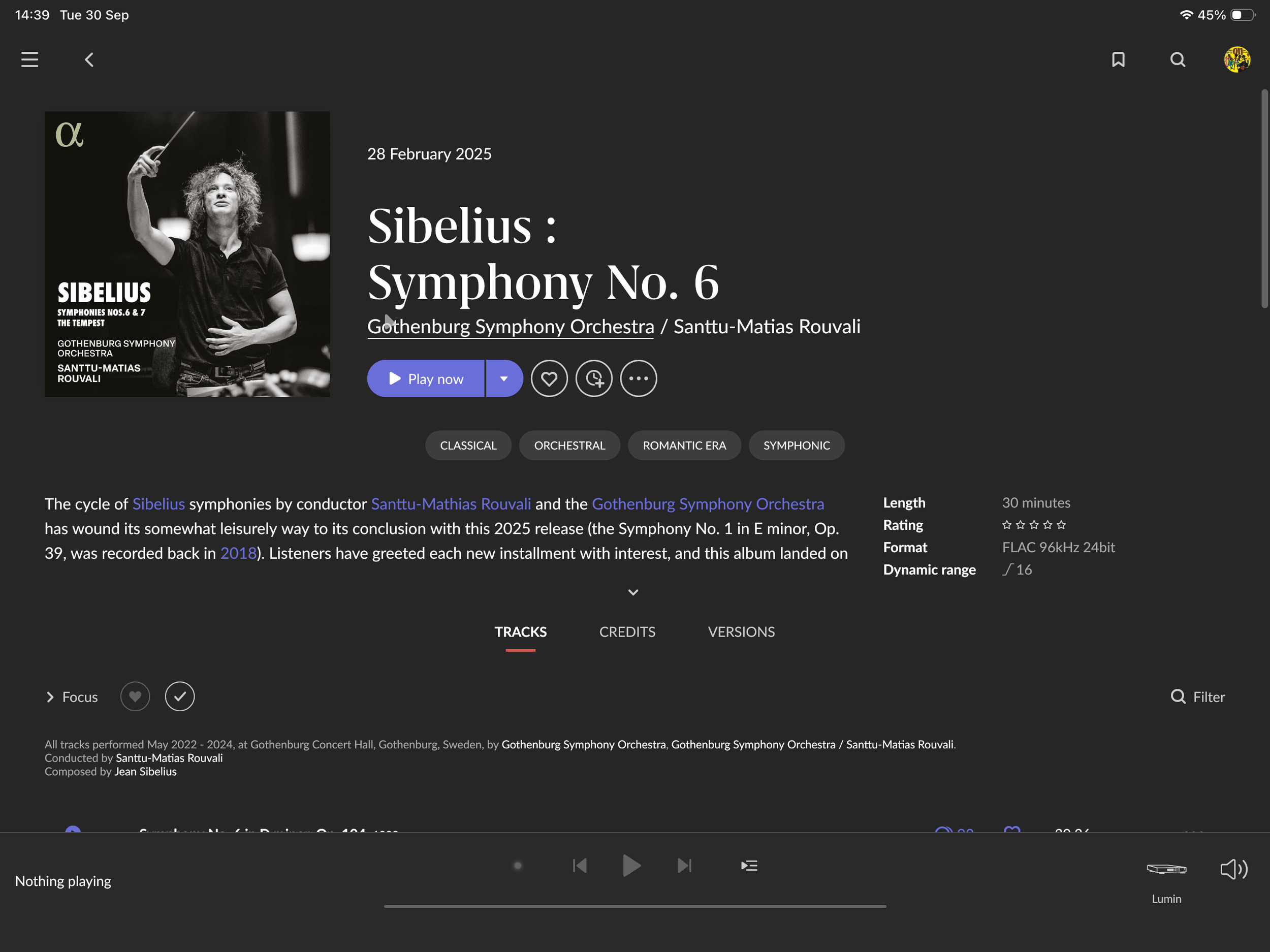
selection of a specific album from the earlier composer list
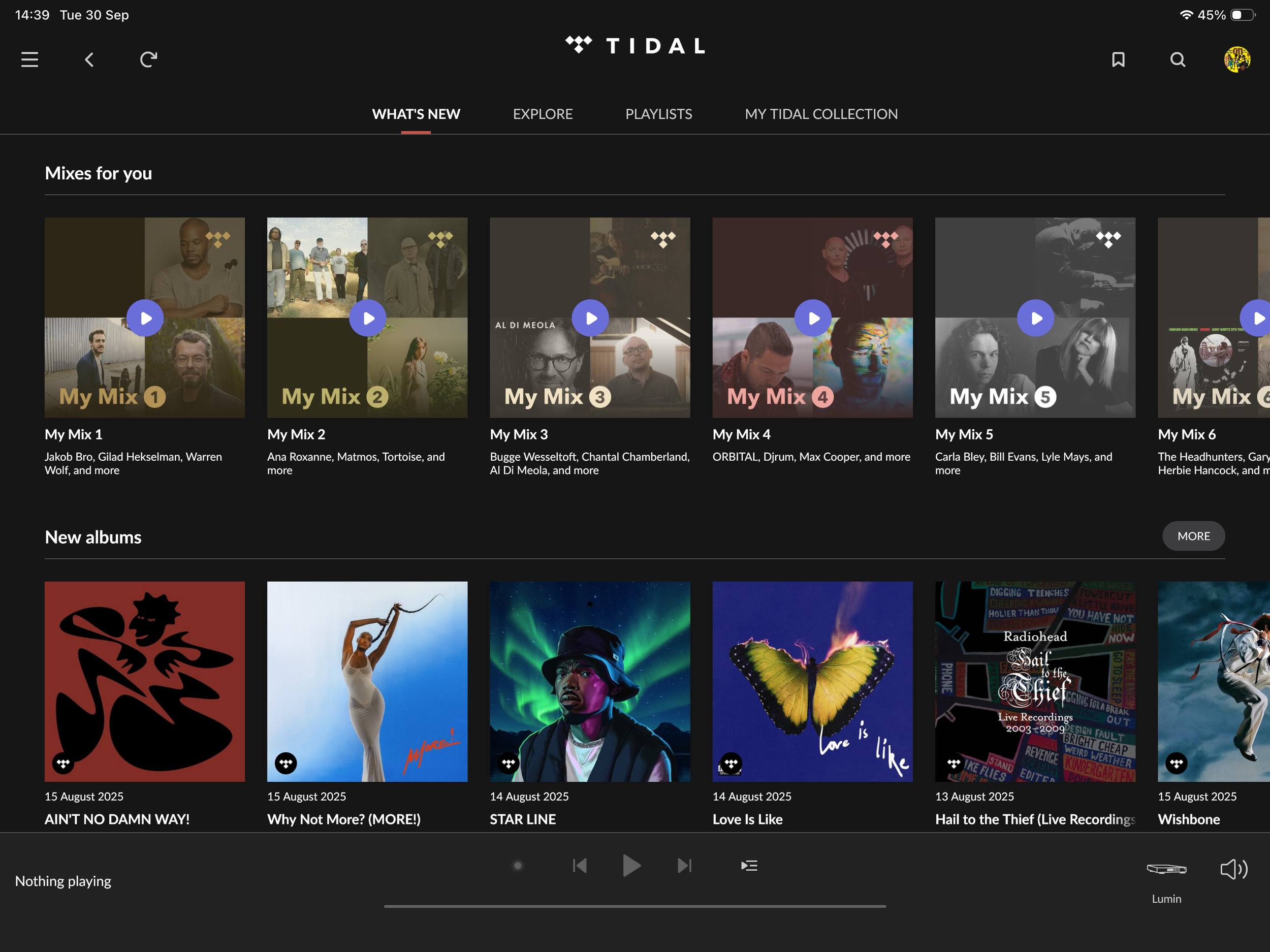
front page for the embedded tidal front page within roon
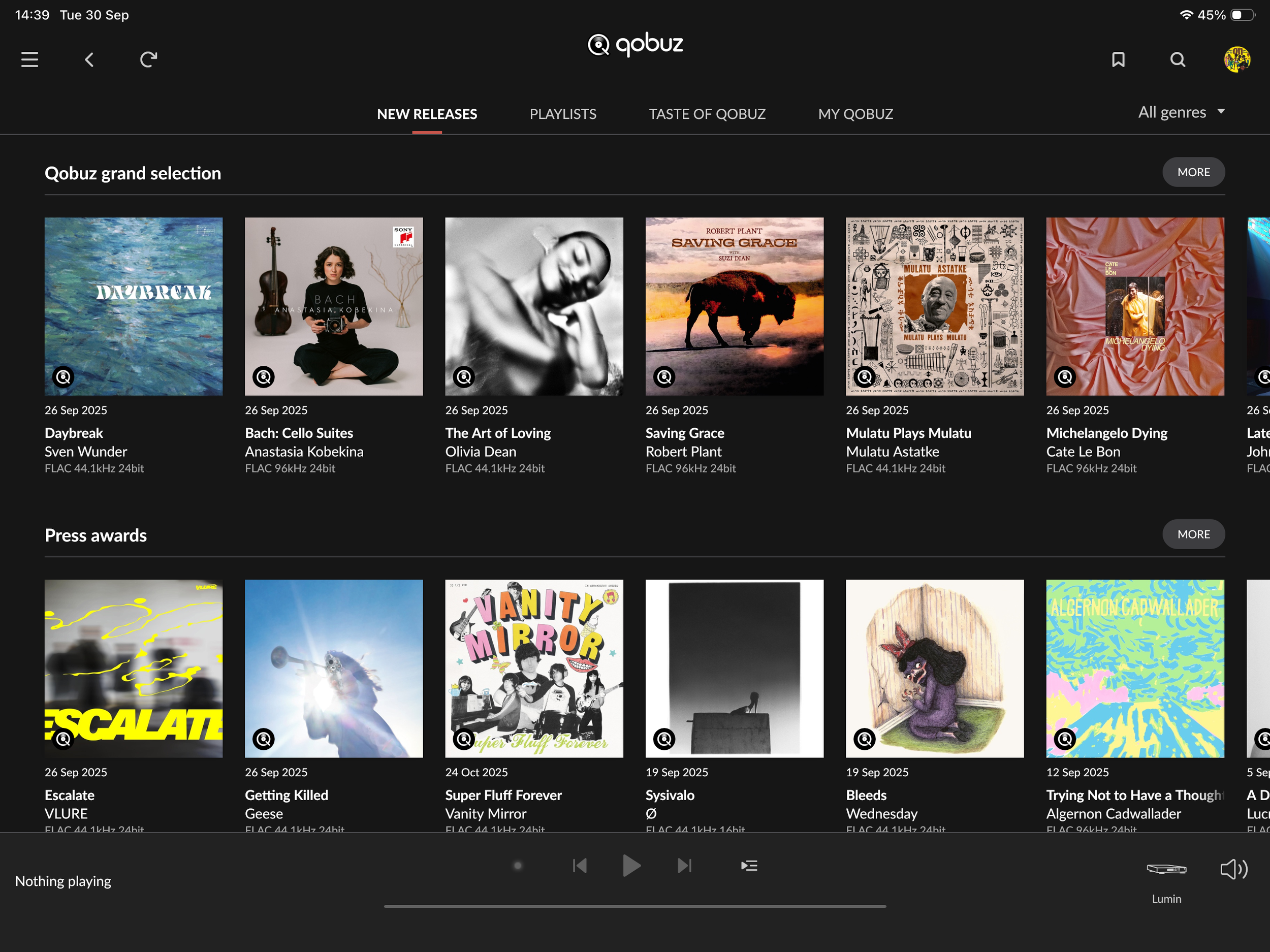
front page for the embedded qobuz front page within roon
One of the strongest features of Roon's music management is the way in which it treats music from external streaming services as though they were local files. If you see something interesting on Qobuz or Tidal, you can tell Roon to add it to your library. This will not physically bring the files into your library, but they will be treated as though they were, which means it's easy to curate your listening without being overwhelmed with albums you are not interested in. This has another upside when it comes to one of the absolute standout functions — Roon Radio.
ROON RADIO
I must confess that getting to grips with Roon Radio has completely revitalised the way I listen to music. It's essentially an intelligent random play facility; 'seed' it with a playlist then, once the playlist (or album) has finished, Roon will kick into Radio mode and start playing tracks it thinks you might be interested in. This in itself is not particularly interesting — Tidal, Qobuz and Spotify all have this facility — but the difference with Roon goes back to the way you can 'virtually' add albums to your library.
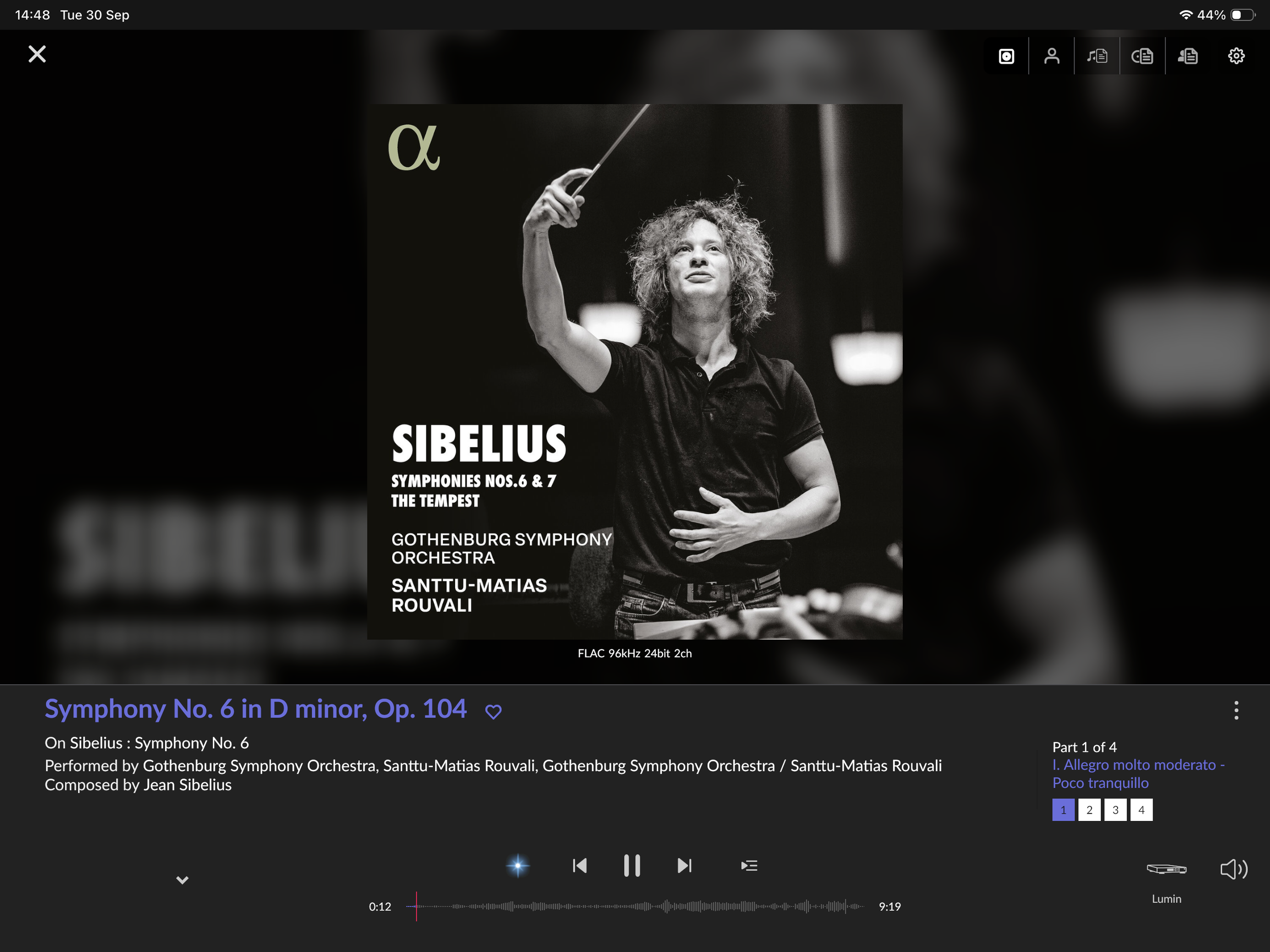
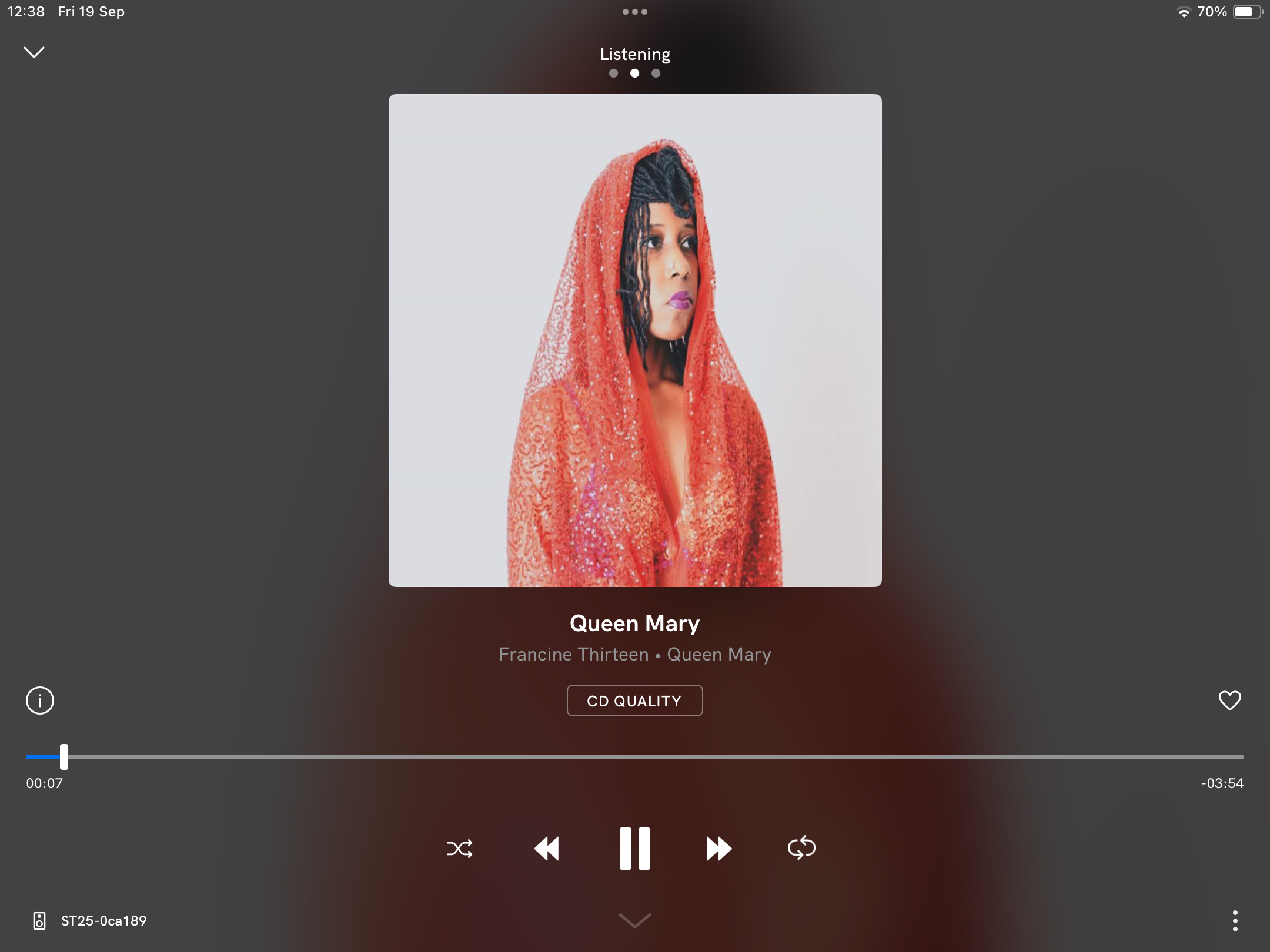
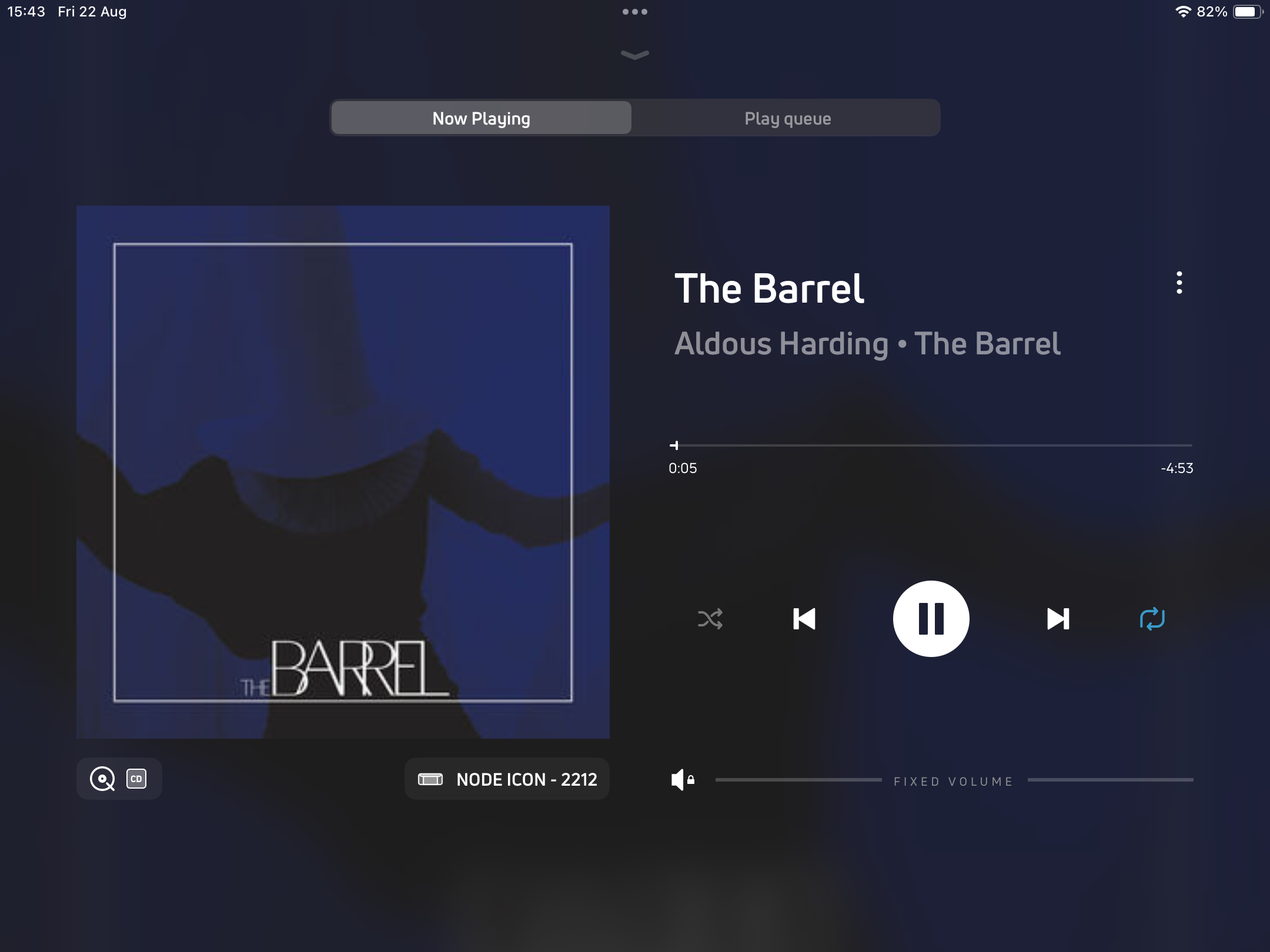
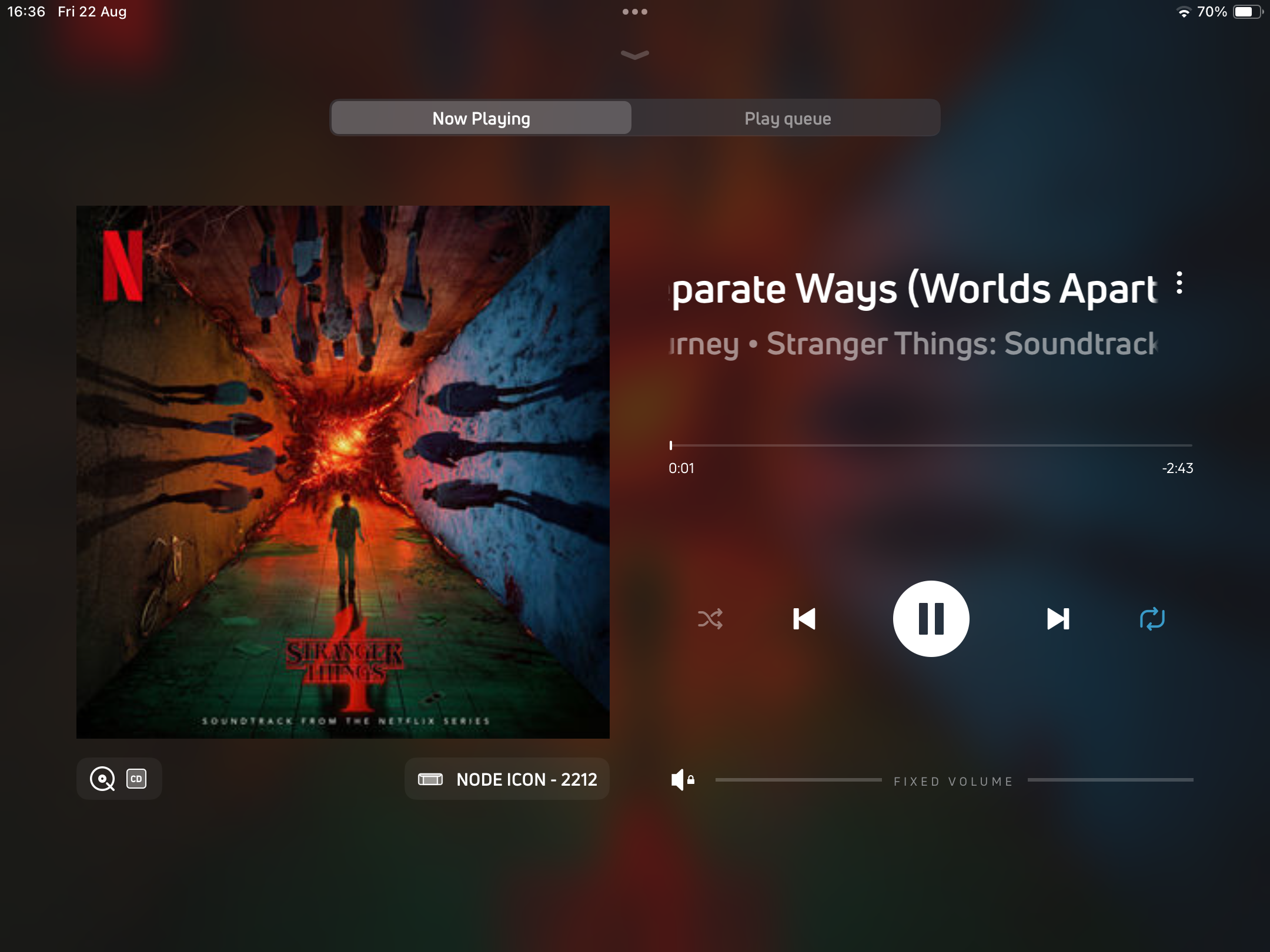
a ‘now playing’ screen
I have a very large and carefully tweaked collection of classical music. If I seed with (for example) a Sibelius symphony, Roon Radio will take over and play symphonic or other orchestral music from the same sort of era (with occasional detours to add interest), and will also (assuming the metadata is good) play complete works rather than individual movements à la Classic FM, which is not the best way to listen to classical music. There's a switch in Roon which limits the selection for Roon Radio to your own library, and this for me is the icing on the cake. I can take interesting recordings from Tidal and Qobuz, add them to my library, then get Roon Radio to play them along with my local files. Perfect.
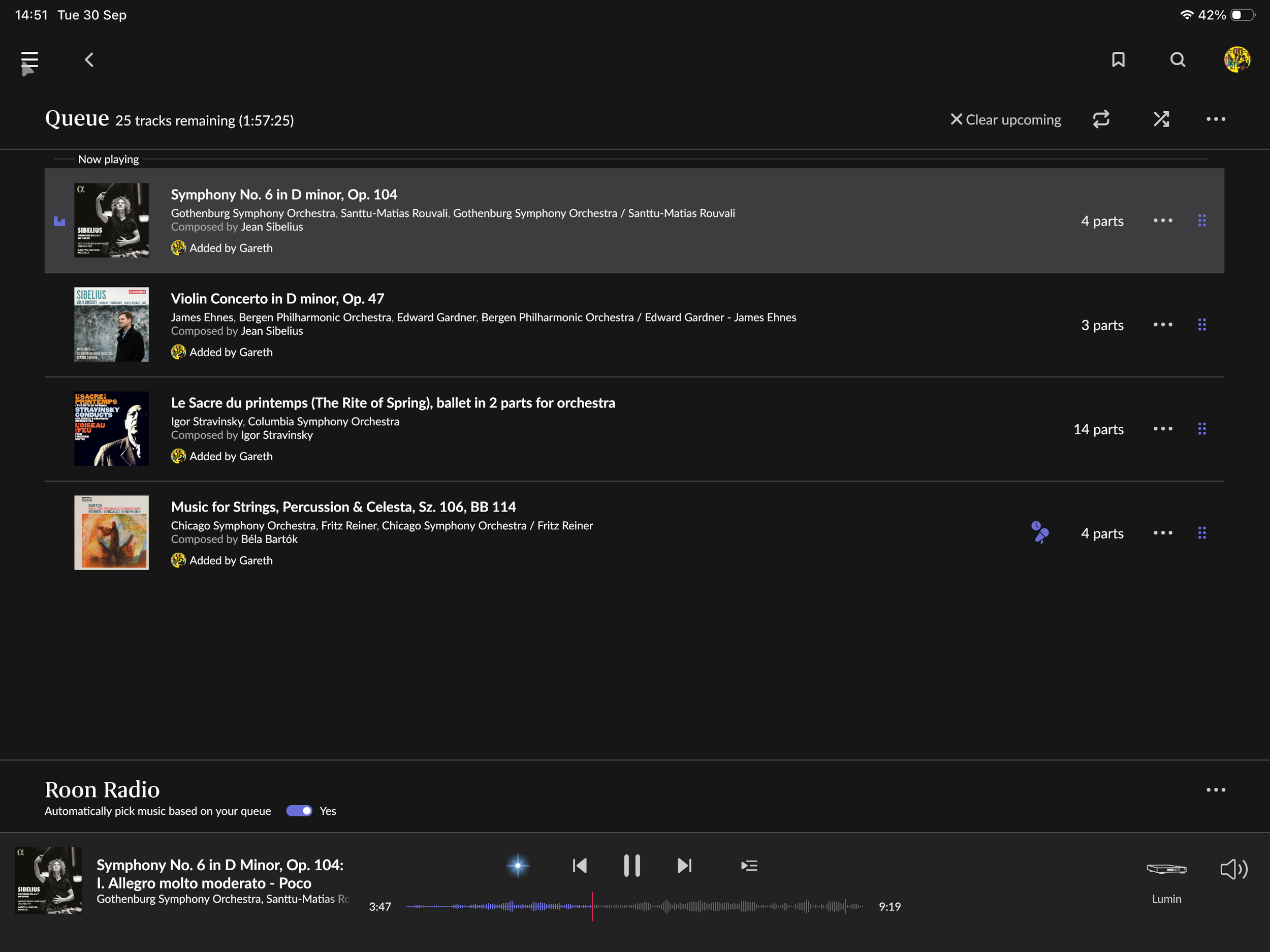
playlist screen showing roon queing complete classical works
All of the above good stuff also applies to other music genres, and each one seems to be just a bit better thought through than other similar facilities. For example, seed it with some electronic music from 2020 and the radio selection seems to stay fairly close in date, which tends to minimise the slightly jarring stylistic effect of jumping from electronic music in 2020 to tunes from the same genre in say 2005.
Of course, you could turn off the 'only play from library' switch, in which case Roon will go to your streaming service of choice and select from there — so you have the best of both worlds.
ROON DSP
I mentioned earlier that there is a powerful suite of DSP functions (called MUSE) included in Roon, and this has proved to be more useful than I imagined. If you have an older legacy DAC that you love (or use something like an Audio Note DAC which uses an older chipset), then you might find issues with trying to send higher-resolution files to the endpoint. The resampling function in MUSE will allow you to downsample any Hi-Res PCM or DSD files to legacy sample rates so they play seamlessly on a DAC equipped with an older chipset. Conversely, I have recently been experimenting with upsampling. I have a Bricasti DAC which sounds great with DSD files, so I have been running Roon in DSD upsample mode, which is a breeze to set up and has some serious potential in my setup.
OTHER GOODIES IN ROON
The MUSE suite has some extra facilities which can be very useful, and perhaps the main one of these is the comprehensive set of headphone EQ curves. Anyone who is interested in Head-Fi will know that there are many headphone users out there who like to apply EQ curves to their 'phone rig in an attempt to even out a headphone’s stock frequency response — Roon makes it very easy to do this. There are a multitude of preset curves built into the MUSE software; for some of the most popular headphones there are even multiple curves available, and switching between them is very easy. This means that you can experiment to your heart’s content with other people’s idea of a good headphone response, or indeed create your own with equal ease.
CONSIDERATIONS FOR ADOPTING ROON?
There are, of course, a few considerations that may be drawbacks, or at least may present some challenges for the adoption of Roon:
You need a machine to run the Core. This could be a laptop or desktop which is used for other things, but for a serious Roon implementation a dedicated machine will work best, especially if you have a number of zones in use simultaneously or make use of the MUSE functions. The hardware doesn't have to be hugely powerful, but lots of RAM helps considerably. Perhaps the best option for the new user is the pre-built Roon Nucleus, which is ready to go out of the box.
On top of the hardware costs you also need to factor in the cost of the software itself. There are two ways to do this: you can either pay a monthly subscription or you can stump up for a lifetime license and be done with it. At this time of posting, the monthly cost is $14.99 billed monthly or $12.49 billed annually, and the lifetime cost is $829.99. Free trials are available at this time if you want to try before taking the plunge.
Since fairly recently, the software requires an active internet connection to work.
Currently Roon only plays nicely with Tidal or Qobuz (or KKBox if that's your bag), so no integration with Spotify. This may be on the roadmap for the future now that Spotify has finally implemented its 'Hi-Res' tier.
There are a number of other niceties with Roon, such as the way it will communicate with devices which are not Roon Ready by switching to AirPlay, the availability of Roon Remote interface for pretty much all hardware platforms, a dynamically updated home page with playlist recommendations, and Roon ARC which allows remote access to your own library. But the package really makes it easy and enjoyable to experiment with all this stuff — and it's really reliable and robust by now as well.
THE BOTTOM LINE - TO ROON OR NOT TO ROON
This piece was quite difficult to write as Roon is such a fully featured and unique package, and I'm aware that it all comes over a little bit dry and techy. What I should really say, though, is that from bitrate tweaking to discovering the music of unfamiliar artists, it makes the whole process fun and there is something for everyone — I’m still discovering new features that Roon has to offer after many years of use.
The interface is second to none (it looks particularly good on a tablet) and the functionality is really comprehensive. There were a few raised eyebrows when Harman took it over some while back, but so far they have been pretty good at rolling out small bug-fix updates and keeping the core functionality intact, so the future looks bright for Roon. In case you were wondering, it also plays nicely with Chromecast, MQA and even Sonos!
If this blog has piqued your interest, please do come in to Audio T Reading for a demo of the Roon software and a chat about how it can help you rediscover, or indeed further, your love of music.
Thank you for reading
Gareth - Audio T Reading
If you have any questions about any of the equipment featured in this article, or any other Hi-Fi or home cinema enquiries, be sure to Contact Us.
If you’ve enjoyed this, why not go ahead and read more of our other blogs, and be sure to follow us on our social media channels below…