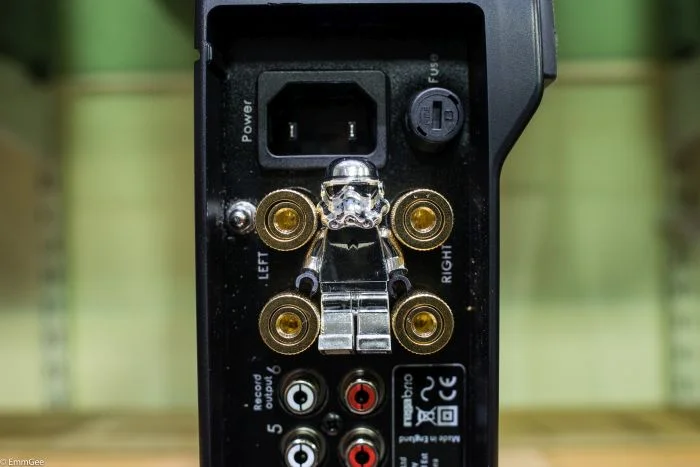
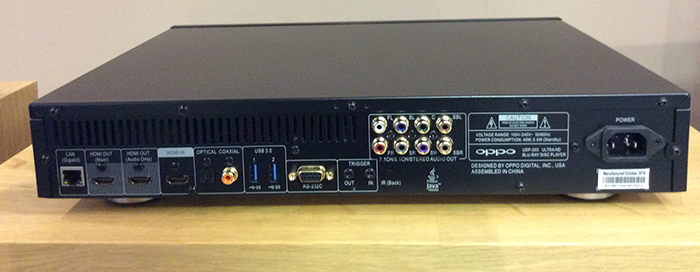
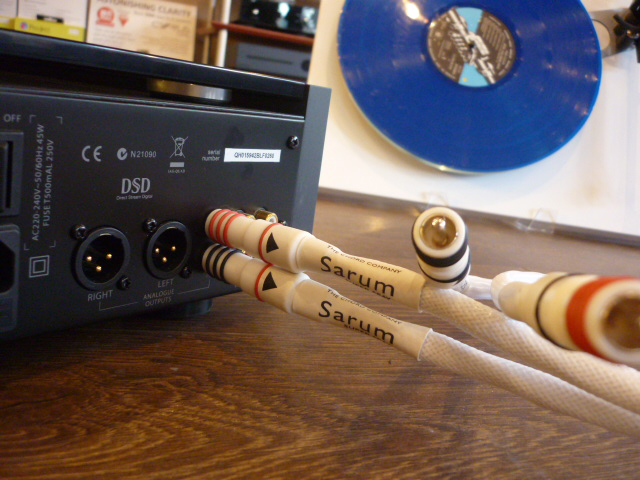
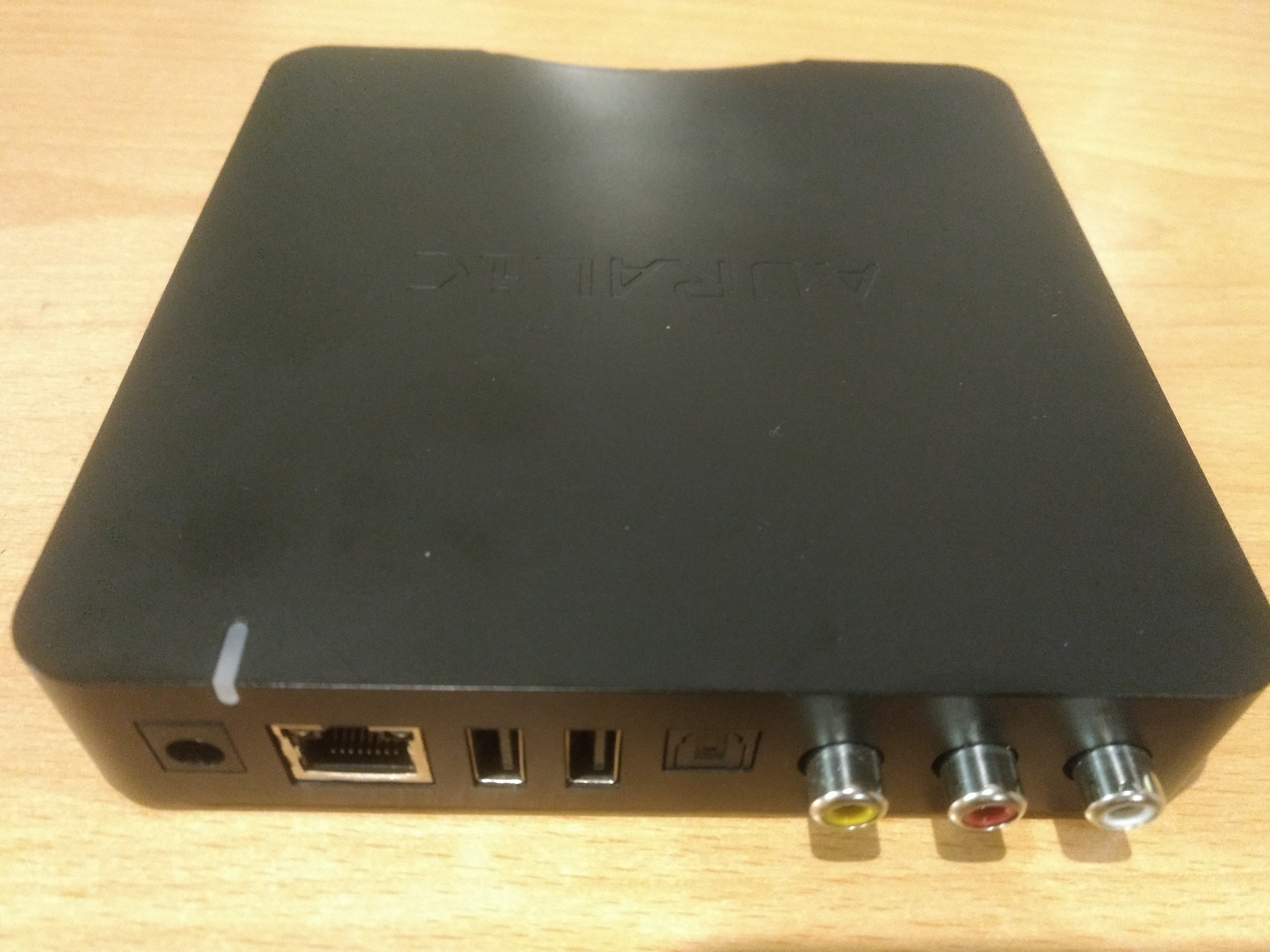
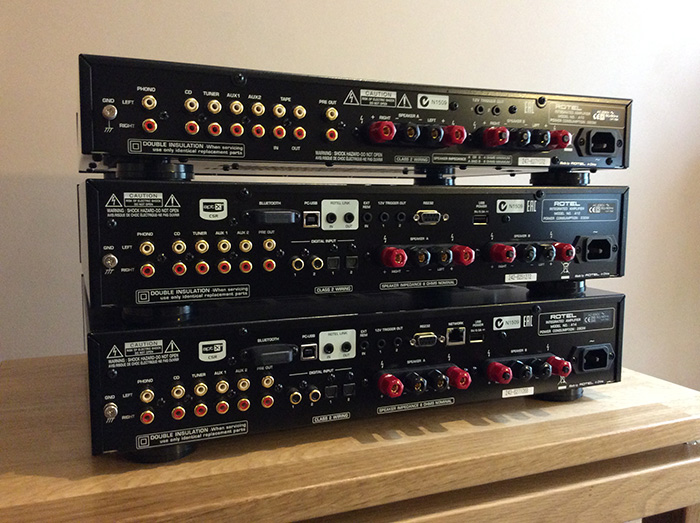
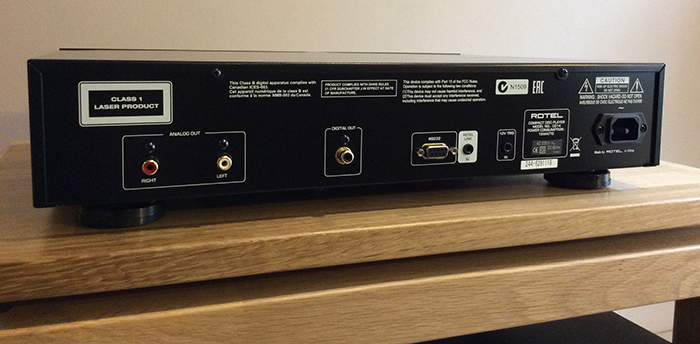
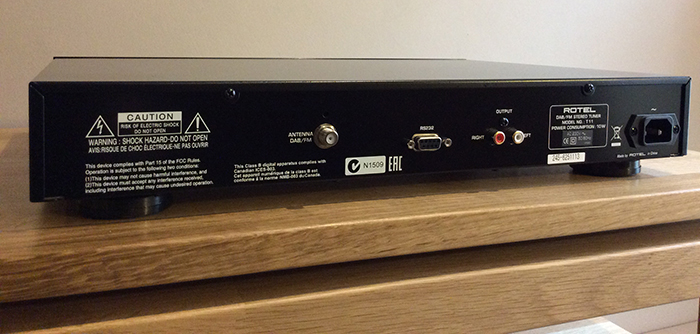
It has two HDMI outputs (one for audio only, just in case your av receiver doesn't pass through 4K) , an HDMI input (for passing another 4K source through, 2x USB-3 inputs on the back, 1x USB-2 input at the front , RS-232 , digital optical and coaxial outputs, trigger in and out ports and 7.1 channel analogue outputs.
We connected it up to our Panasonic TX-58DX902B 4K TV and we loved it straight away. In comparison to our shop Panasonic 4K Blu-ray player DMP-UB900, which is good, the Oppo's loading time is faster and once the movie is loaded and played, the picture quality is staggeringly good with better black levels and finer around the edges of objects.
Put in the 4K Blu-Ray with "The Revenant" and you see what I mean. This player draws you in when you look at the water in the beginning of the movie, it looks soooo realistic and cinematic like we haven't seen before. This is also due to HDR. It means High Dynamic Range and through that, you see more levels of white and black (the contrast). Stunning!
We want to watch all our movies again in 4K! I know that some people might wonder, why you would want to do this, but do it and you'll see why. We are hooked by the quality of this player and even playback of your standard Blu-ray's won't disappoint. We have been waiting for a player like this one for some time and now it is here.
The supported disc formats are UHD (4K) Blu-ray, Blu-ray (2D & 3D), DVD, DVD-Audio, SACD, CD and AVCHD.
Anything not to like? We can't think of anything...
So what about the support of online services such as Netflix, BBC iPlayer and so on, that you get with so many Blu-ray players and 4K Blu-ray player these days? The answer is - No. This player has been designed to play movies to the highest standard, with the best possible picture and sound quality. Most of these online services are available through modern smart TVs and set top boxes these days.
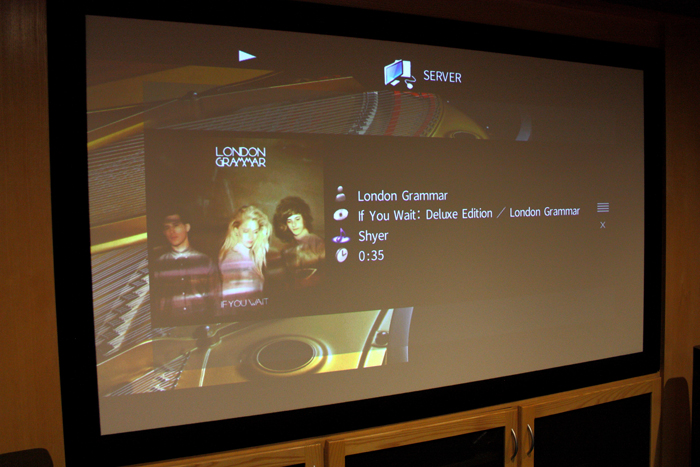
The Oppo UDP-203 can also be used as a media streamer and set up either via ethernet or wirelessly. I connected a 500GB usb-drive with tons of music on it to one of its usb3 sockets on the back of the player and used the remote control to select music via the TV screen menu. There is also a free app for IOS and Android that turns your phone or tablet into a remote control.